Merge CSV Files Online – Combine Multiple CSV Files into One
Upload .csv files
or drag and drop multiple files
Merge mode
- Click the upload area or drag and drop two or more CSV files into it.
- Choose whether each CSV has a header row and pick a merge mode: simple append or align by column name.
- Optionally turn on duplicate row removal if you want to deduplicate the merged result.
- Click the merge button and then download the merged CSV file.
Help
FAQ
Can I merge CSV files with different columns?ShowHide
Yes. Use the merge mode that aligns by column name. The tool builds a unified set of column names from all files. Missing values in some files are left empty in the merged result.
Do all CSV files need to have a header row?ShowHide
It is recommended that every CSV has the same header row so the merged result is easy to understand. If you disable the header option, the tool generates numbered column names and merges by position.
Is there a file size limit when merging CSV files?ShowHide
The tool runs inside your browser, so the practical limit depends on your device memory and CPU. It can handle reasonably large CSV files, but extremely large datasets may be slow or fail to load.
Are my CSV files uploaded or stored anywhere?ShowHide
No. All parsing and merging are done locally in your browser. The files never leave your device.
How to merge multiple CSV files into one online
- Click the upload area or drag and drop two or more CSV files into it.
- Choose whether each CSV has a header row and pick a merge mode: simple append or align by column name.
- Optionally turn on duplicate row removal if you want to deduplicate the merged result.
- Click the merge button and then download the merged CSV file.
Privacy
Full guide
CSV Merge supports two merge modes:
- Append rows directly: Assumes all CSV files have the same column structure, appends all rows in order
- Align by column name: Collects column names from all files, generates a unified column set, missing columns are left empty
All processing happens locally in your browser - no data is ever uploaded to any server.
Usage Example
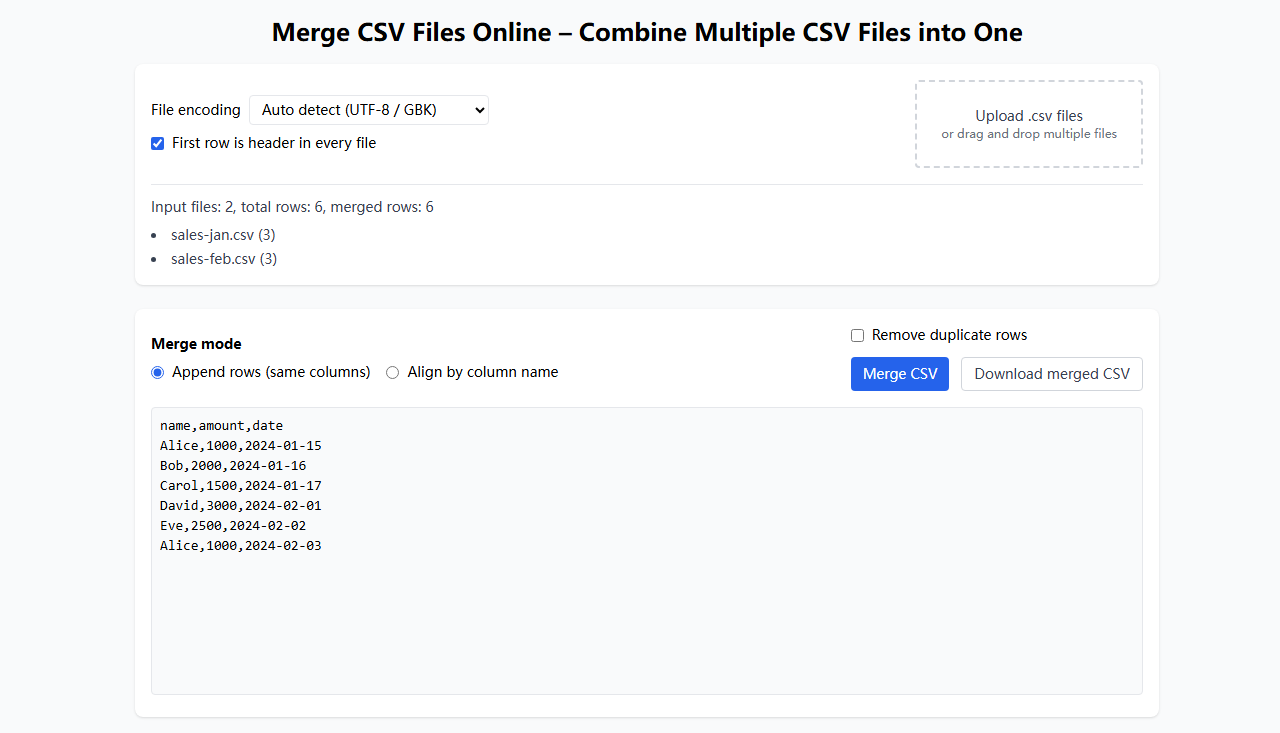
Real-World Cases
Case: Merge Monthly Sales Data
Original files:
sales_2024_01.csv(1,000 rows)sales_2024_02.csv(1,200 rows)sales_2024_03.csv(900 rows)
Requirement: Merge three months of sales data into one file
Steps:
- Upload all three CSV files at once
- Check "First row is header"
- Select "Append rows directly" mode
- Click "Merge CSV" button
Result:
sales_2024_merged.csv(3,100 rows including header)
Case: Merge Customer Data with Different Structures
Original files:
customers_region_a.csv(columns:name, email, phone)customers_region_b.csv(columns:name, email, address)
Requirement: Merge customer data with different column structures
Steps:
- Upload both CSV files at once
- Check "First row is header"
- Select "Align by column name" mode
- Click "Merge CSV" button
Result:
- Merged file contains
name, email, phone, addresscolumns - Region A data has empty
addresscolumn - Region B data has empty
phonecolumn